
Local SEO & Google Business Profile
Google Business Profile Checklist for Local SEO in 2026
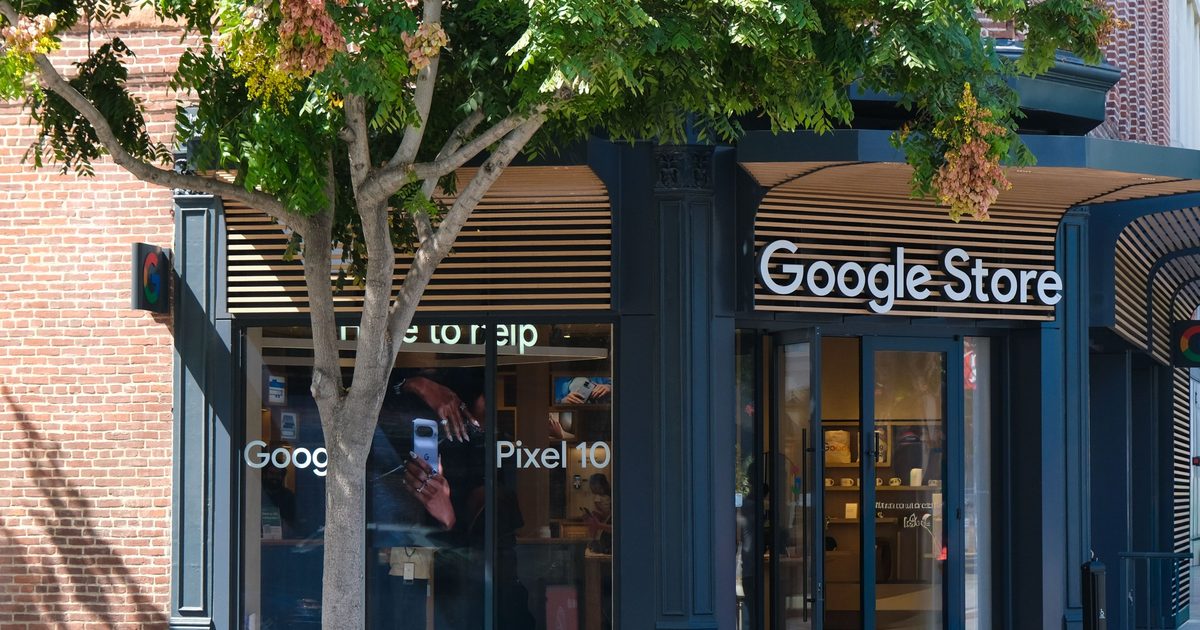
For local businesses, the Google Business Profile often drives more calls than the website. A complete, active profile is a core local SEO asset because it controls how you appear in Google Maps and in the local results that show up for 'near me' searches. This Google Business Profile checklist walks through setup, optimization, reviews, content and monitoring so you can rank higher and win more local customers in 2026.
- What the Google Business Profile does
- Claim and verify your profile
- Choose accurate categories
- Complete every field
- Handle your address correctly
- Upload real photos and video
- Collect and answer reviews
- Post updates and offers
- Build local signals beyond the profile
- Track results
- Use local keywords naturally
- Managing multiple locations
- A 30-day Google Business Profile plan
- Local ranking factors in plain English
- Mistakes to avoid
What the Google Business Profile does
Your Business Profile is the listing that appears in Google Maps and Search with your name, address or service area, phone number, hours, photos, services and reviews. Customers use it to compare options and contact you without visiting your website. Google considers relevance, distance and prominence when choosing which businesses to show, and your profile influences all three.
Claim and verify your profile
Search for your business on Google and Maps, claim the listing or create a new one, and complete verification, which may involve a postcard, phone, email or video. Use your real business name as it appears on your signage and documents. Adding extra keywords to the name violates Google's guidelines and can lead to suspension.
Choose accurate categories
Pick the best primary category for your main service, since it has the biggest effect on which searches you appear for, and add relevant secondary categories. Look at how competitors that rank well categorize themselves, but choose what truly describes your business.
Complete every field
- Business name, address or service area and phone number that match your website.
- Opening hours, including special hours for holidays.
- A clear description of what you do, written naturally without keyword stuffing.
- Services with short descriptions, and products where relevant.
- Attributes such as accessibility, payment options or languages spoken.
- Appointment or booking links and your website URL.
Handle your address correctly
If customers visit you, show your address. If you travel to customers, you can hide the address and list your service areas, but only include areas you genuinely serve. Do not create profiles for virtual offices or mailboxes that are not staffed, because Google may suspend them.
Upload real photos and video
Photos help people choose. Add your logo, cover image, exterior, interior, team and examples of your work. Keep images sharp, well lit and authentic, and add new ones regularly. Short videos of your work or premises can also build trust.
Collect and answer reviews
Reviews influence both rankings and decisions. Ask satisfied customers for a review soon after the job by sharing your review link through a text or email, and never offer incentives or write fake reviews, which break Google's rules. Reply to every review politely, thank positive reviewers and respond calmly and helpfully to criticism.
Post updates and offers
Use Google updates to share offers, news, projects and events. Posts keep your profile fresh and give customers extra reasons to call. Keep them short, include a clear photo and a button such as Call or Learn more.
Build local signals beyond the profile
Add a dedicated local landing page for each location or service area on your website, embed a map, and show your name, address and phone number consistently. Add LocalBusiness schema, earn mentions in relevant local directories and keep your details identical across the web, because inconsistent information confuses search engines.
Track results
Review profile performance in the dashboard for calls, direction requests, website clicks and the searches that showed your listing. Use UTM parameters on your website link to see profile visits in GA4. Check your rankings for key searches from different locations, since results vary by where the searcher is.
Use local keywords naturally
Your profile, website and posts should mention the services you offer and the areas you serve in natural language. Add city and neighborhood names on location pages, in headings and in image alt text, but write for people, not for search engines. On the profile, use the description and service listings to describe real offerings rather than repeating the same phrases.
Managing multiple locations
If you operate several locations, give each its own profile, its own landing page and its own local phone number or tracking number, and keep names, categories and hours consistent. Use bulk tools only after the basics are right, and assign someone to manage reviews and updates for every location. Avoid duplicating content word for word across location pages.
A 30-day Google Business Profile plan
- Week 1: claim or verify the profile, fix the name, address, phone and categories, and add hours and services.
- Week 2: upload at least ten real photos, write a clear description and add booking or call links.
- Week 3: set up a simple review-request process, answer all existing reviews and publish your first update.
- Week 4: create or improve local landing pages, add LocalBusiness schema and review the performance dashboard.
Local ranking factors in plain English
Google says local results are based mainly on relevance (how well your profile matches the search), distance (how close you are to the searcher or the area named in the search) and prominence (how well known you are, based on reviews, links, mentions and your overall web presence). You cannot change distance, but you can improve relevance with accurate categories and content, and prominence with reviews, local mentions and a strong website.
Mistakes to avoid
- Stuffing keywords into the business name.
- Ignoring or deleting negative reviews instead of responding.
- Letting hours and phone numbers become outdated.
- Creating duplicate listings for the same location.
- Using a stock photo gallery instead of real images.
 2026-10-23 · 6 min read